
AutoCAD 2D Practice: Building Precision from the Ground Up
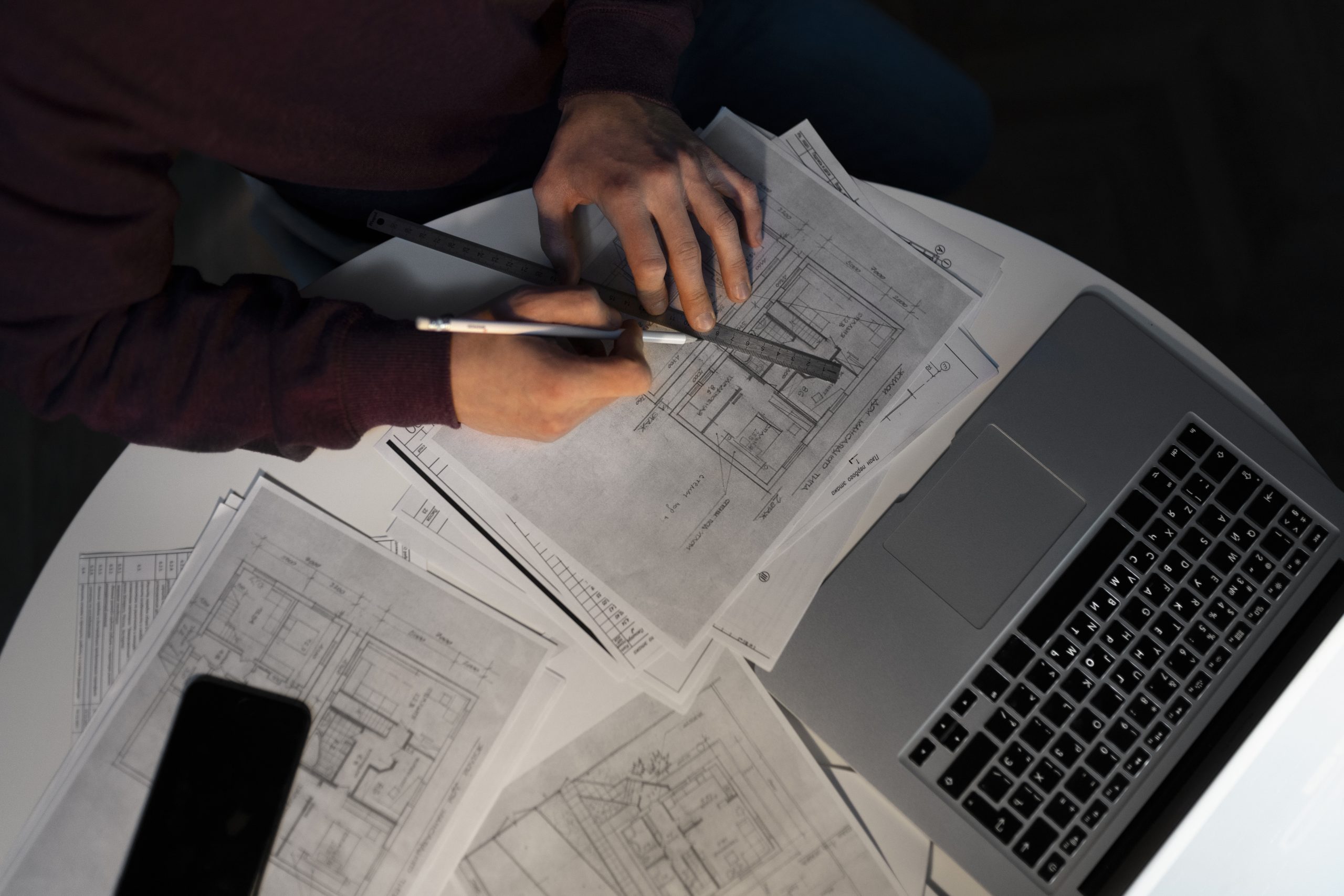
AutoCAD 2D Practice: Building Precision from the Ground Up
For many engineers and students, one of the most common challenges in design is turning initial ideas into precise technical drawings. While 3D modeling often takes the spotlight in modern design workflows, mastering AutoCAD 2D practice is still an essential step. Without a strong foundation in 2D, projects can run into errors, inefficiencies, or miscommunications during manufacturing and construction.
Why AutoCAD 2D Practice Matters
AutoCAD remains one of the most trusted tools in engineering and architecture. By focusing on 2D drafting, designers can create structural shop drawings, floor plans, and detailed component sketches that serve as the backbone for larger projects. Solid 2D practice ensures every line, angle, and measurement is accurate before transitioning into 3D modeling.
From Drawings to Real-World Applications
Good CAD drafting isn’t just about drawing shapes on a screen—it’s about clarity and usability. For instance, a well-prepared fabrication layout in 2D can streamline communication between engineers and manufacturers, reducing the risk of costly mistakes. Similarly, in construction, accurate 2D plans guarantee that prefabricated elements align correctly on-site, saving both time and resources.
Bridging 2D and Advanced Tools
Once a strong base in AutoCAD 2D practice is established, engineers can confidently expand into BIM software, mechanical design, and 3D modeling. Students especially benefit from this progression: by learning to handle dimensions, annotations, and layers in 2D, they gain the precision mindset required for tackling more complex digital workflows.
The Summary..
Whether you are drafting structural shop drawings, preparing mechanical component layouts, or collaborating on BIM packages, AutoCAD 2D practice provides the foundation. It not only sharpens accuracy but also builds confidence, helping both students and professionals navigate engineering & design challenges with clarity.
By combining traditional 2D skills with modern digital tools, engineers can achieve designs that are not only technically correct but also ready for seamless production and construction.
See more examples on 2D AUTOCAD DRAFTS